

Social Media and Streaming
I've found that, when searching for ways to "quit" big tech, people simply suggest to move to non-big tech social media platforms. While switching to independent services like Peertube, Odysee, Upscrolled, Mastodon, and more would be better over all, they are not realistic in practice. If you create content, I highly recommend you post to those platforms as well - if not exclusively. For normal users, the problem isn't making a good alternative platform - all of those services I just listed are amazing and have all the features you could want them to have. Instead, the problem is the audience. Those platforms just don't have the users needed to cultivate a social media experience. That's not to mention the fact that, if you were to switch to those platforms, you'd be leaving behind all your friends, family, organizations, and creators who aren't on those platforms. With that being said, when talking about social media in the context of quitting big tech, I choose to reframe it around ideas like mitigation, ad blocking, mods, and lifestyle adjustments.
You have numerous options of taking control when it comes to continuing to use corporate platforms while limiting their control over your life. Most big platforms will have some form of community-maintained third party client or a modded version, with the client allowing you to give even less data to the companies and both of them doing things like blocking ads and giving you nice features. Depending on how far you want to go with privacy and distancing yourself, you have a few choices.
Before covering the actual tech solutions, I'll share some things that have helped me stop using social media as much. Trying to move away from social media as much as possible is also a good move, for ethical reasons and just for your mental health.
Use a third party client if you want to give as little data as possible to them, but it'll generally be a worse experience than the real thing. Using ReVanced means you'll just be blocking ads and getting useful features. They provide modded versions of the apps for Android, so you're still supporting the companies quite a bit. For YouTube specifically, I personally use Invidious on desktop and NewPipe on mobile. I recommend using a third party client over ReVanced when possible.
The Internet Archive, r/Piracy, and r/FREEMEDIAHECKYEAH are also very good resources.
See also: Block Everyone
Strategies
It feels like social media has taken over our lives. Everything connects back to the platforms. Any person and corporation you can think of will have some sort of presence on at least one platform, whether it's just to stay connected themselves or to extend their reach and/or monetization options. I'm sure lots of us would attest that we are addicted. Despite that, it seems impossible to even try to quit. Even if you have the motivation to do so, quitting social media means not keeping up with friends, family, artists, franchises, and creators. Here are some strategies you can use to help yourself to quit while not moving under a rock.
Read Instead
It's really as simple as that. Why waste so much time consuming slop when you could be enriching your mind. Learn more about things your interested in from reputable sources. Learn more about the systems in place and history that's made it so. Utilize your local library, services like Libby that allow you to check out ebooks from your library, the Internet Archive, and r/Piracy.
Indie Web
There's an entire world of the internet past social media. Maybe you remember the time when that's what the internet was: a web of connected personal sites. While smaller, it still exists today. Considering using RSS instead. Browse Neocities. Check out CJ The X's Manifesto To Return To Web 1.5 and Unplatform.
Following Only
Rather than scrolling your algorithmically determined content, reserve yourself to just stay up to date with accounts you choose to follow. Instagram ReVanced makes this easy with the "Limit feed to followed profiles" patch. Otherwise, like if you don't use Android, you can use the Instagram link https://www.instagram.com/?variant=following. To my knowledge, this link can't be found anywhere on the site itself, but it works to show you a feed of only profiles you follow. You can also tap the Instagram logo at the top of the app to change to your following feed. This is also easy for YouTube on the third party clients, as there is no algorithmic content.
See also: ReVanced, YouTube Clients
Reprogram your Feed
I've curated my following lists to include only accounts that actual "matter". Of course what matters is subjective, but for me the criteria is accounts that educate me, accounts that provide a call to action, and people or organizations I'm involved with. This accounts (get it) for news, politics, advocacy, people I know in real life, organizations I'm apart of or admire, educational content, and maybe a few other edge cases. Maybe for you, you'd add artistic accounts. I don't, considering how evil big tech is, although I wouldn't blame you. I just want to spend as little time on social media as possible.
Removing all the "slop" accounts and following only what's important will help your feed reflect what really matters, rather than what social media wants to show you. If I'm going to be using a platform from a company that does as much bad as Meta does, I need to make it count and for it to not just be for my own amusement.
And hey, if you need somewhere to start, consider following my account for this site to help boost it (shameless plug).
See also: My account for this site, Introduction - Additional Resources, Anthropocene - Further Information and Links, Be Vegan - Further Information and Links
Turn Social Media Educational
Turn your time on social media into something productive. If you see a video about something you don't know much about, search it up on Wikipedia and learn more. Don't let the information die when you scroll.
Block Everyone
Recently I've found myself blocking as many people as possible. It's silly, but it works. At this point I have over 500 accounts blocked on Instagram. Content farms, mass-produced for profit channels, bots, AI posters, bigots, non-crediting meme reposters, and pretty much anything else that slightly annoys me. It pisses off my friends whenever I can't see the reels they send from accounts with an about me in a random language with a caption about Japan generating electricity from footsteps, but it helps me to not spend as much time on the platform.
People, not Platforms
Follow people, not platforms. Rather than following people on social media for the content they create, follow them on places like Substack or add them to your RSS feed so you're following them for what they have to say, not the content they have to offer. Grayjay, a unified feed for social media platforms, can also help with this.
Be Private
Being public on the internet brings with it a lot of potential problems. Even if your Instagram account is private, people could still find things like your likes and comments. On my personal socials, I've unliked every post and deleted every comment. I used a browser JavaScript script in order to do it automatically.
See also: Blocking Ads and Internet Privacy
Don't Fuel the Content
I believe that, if you are going to allow yourself to use social media platforms despite the harm them and their owners cause, you have a duty to use their platforms to speak out. Don't let your peers forget about issues like the impending climate apocalypse between doomscrolls. Don't get stuck doomscrolling yourself. Use the machines to stop the machine.
"Content" may mean different things to different people, but to me it means things posted to social media with no value. It isn't artistic, it isn't important, it isn't impactful, it isn't educational, it isn't informative, it just is. It's slop. Don't add to the already massive pile of existing content. Don't provide unpaid or underpaid cloud capital for big tech. If you're going to post, make it matter. Again, what that means is up to you. For example, while the content of my site is extremely anti-Meta, I still post to Instagram as I believe I can do more good than bad by spreading my message and guide.
YouTube Clients
Grayjay
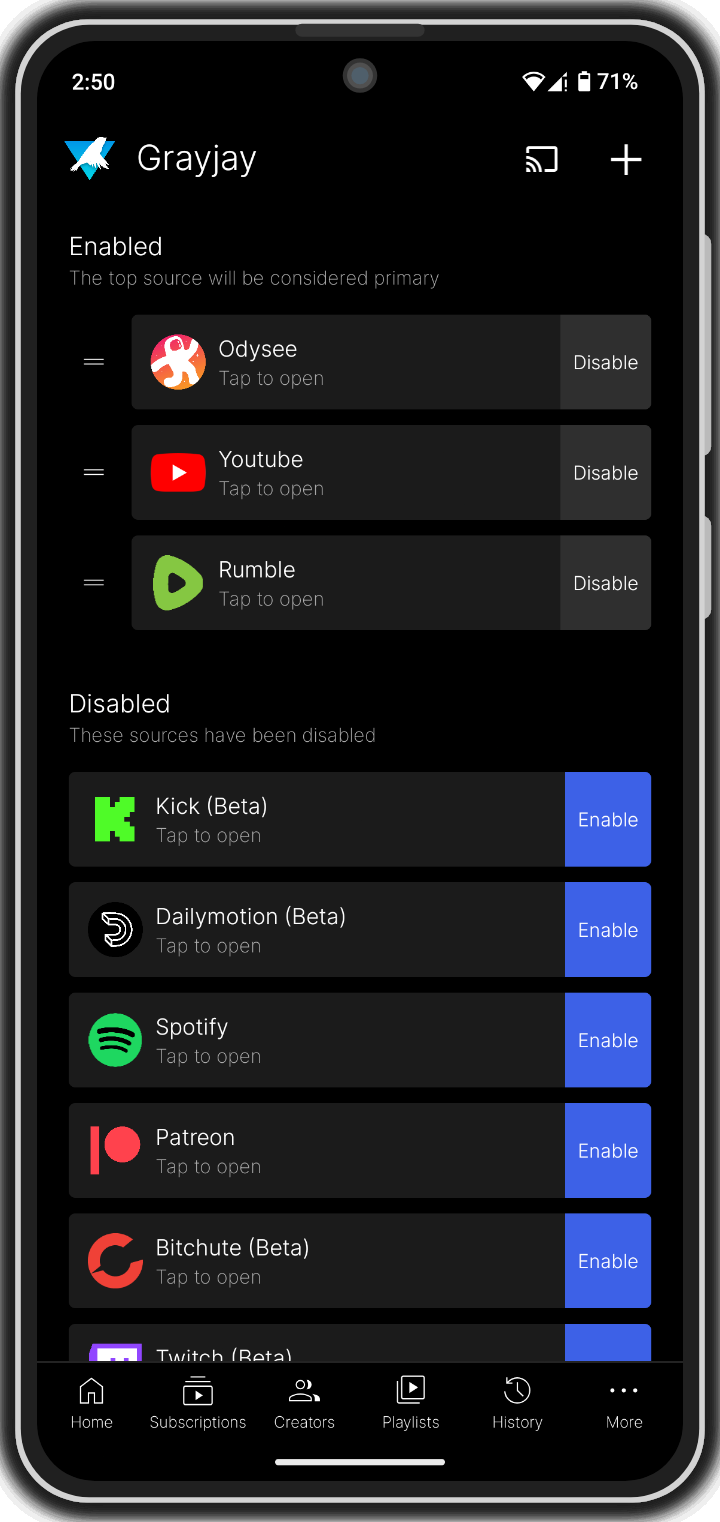
Grayjay is a unified feed for lots of social platforms, with an emphasis on user control. You can block ads while only seeing the content you want to see from people you want to see, preventing you from falling into the trap of doomscrolling. Use it if you're on Android and want to spend less time online in general. It is open-source. Android only.
Invidious
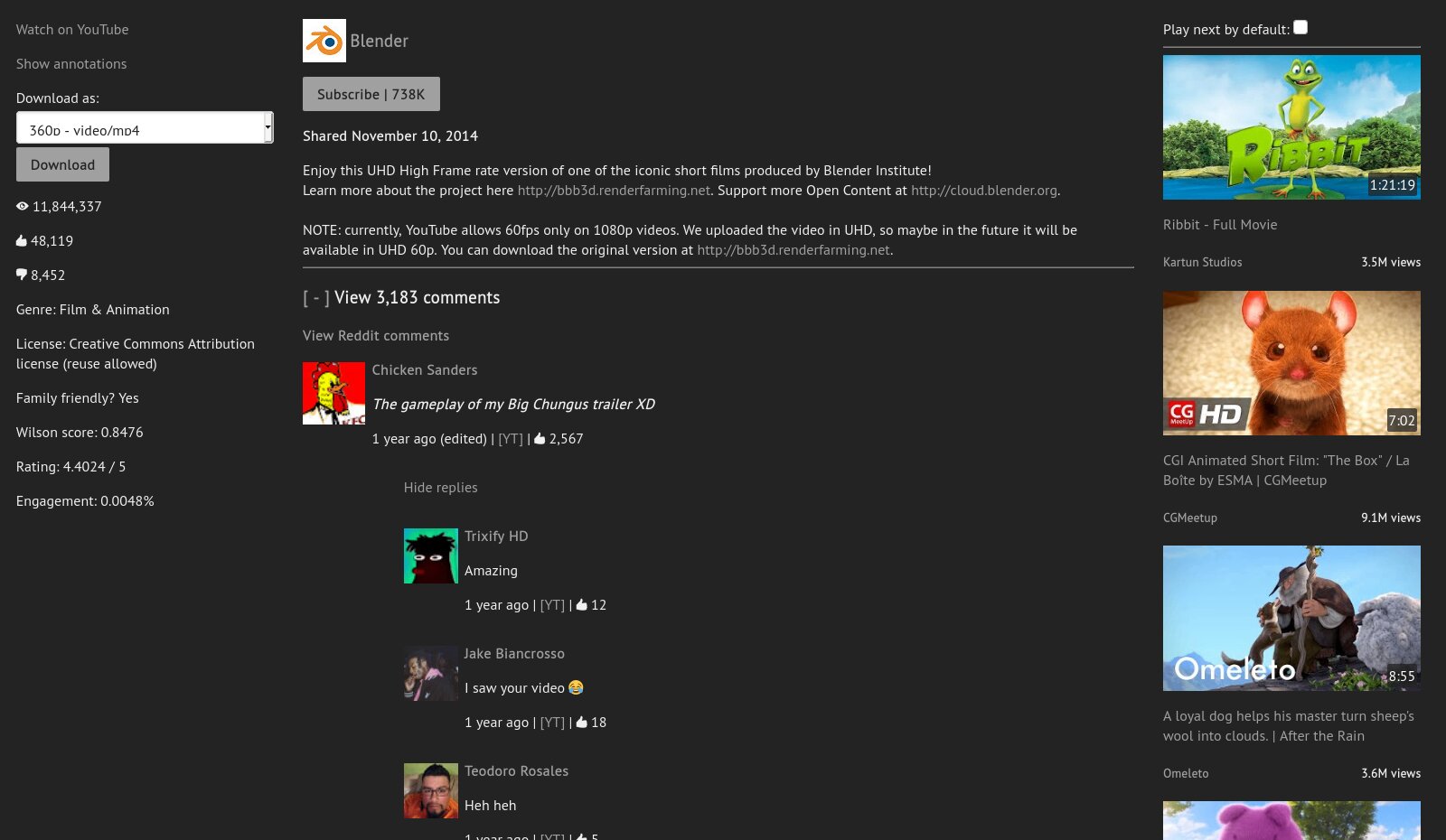
Invidious is a web-based third-party client for YouTube. Use it if you're not on Android or if you're on a browser. It operates under the instance model, meaning anyone can host their own instance of Invidious and that you'll need to find one to use. You can easily see the current instances on Invidious's documentation and redirect pages. Free and open-source. Available from any web browser.
Since it is web based, you can use it to share links. It's possible something happens to the instance you pick, so don't get too attached and don't link to them directly. You can link to https://redirect.invidious.io/ instead - just add the link contents after the slash (/). That way, whoever clicks the link can pick what instance to use even if one of them goes down. Instead of linking to YouTube on this site for things like sources, I linked to it.
You can use an extension like Redirector to automatically redirect YouTube links to Invidious.
Free and open-source.
Available on most mobile and PC platforms.
Two simple redirects for this extension would look like:
Example URL: https://www.youtube.com/watch?v=dQw4w9WgXcQ and https://youtu.be/watch?v=dQw4w9WgXcQ
Include pattern: https://www.youtube.com/* and https://youtu.be/*
Redirect to: https://redirect.invidious.io/$1
Pattern type: Wildcard
You can still use the SponsorBlock extension to skip sponsored segments of videos. It is also available on the normal YouTube site and on ReVanced. Free and open-source. Available on most mobile and PC platforms.

NewPipe
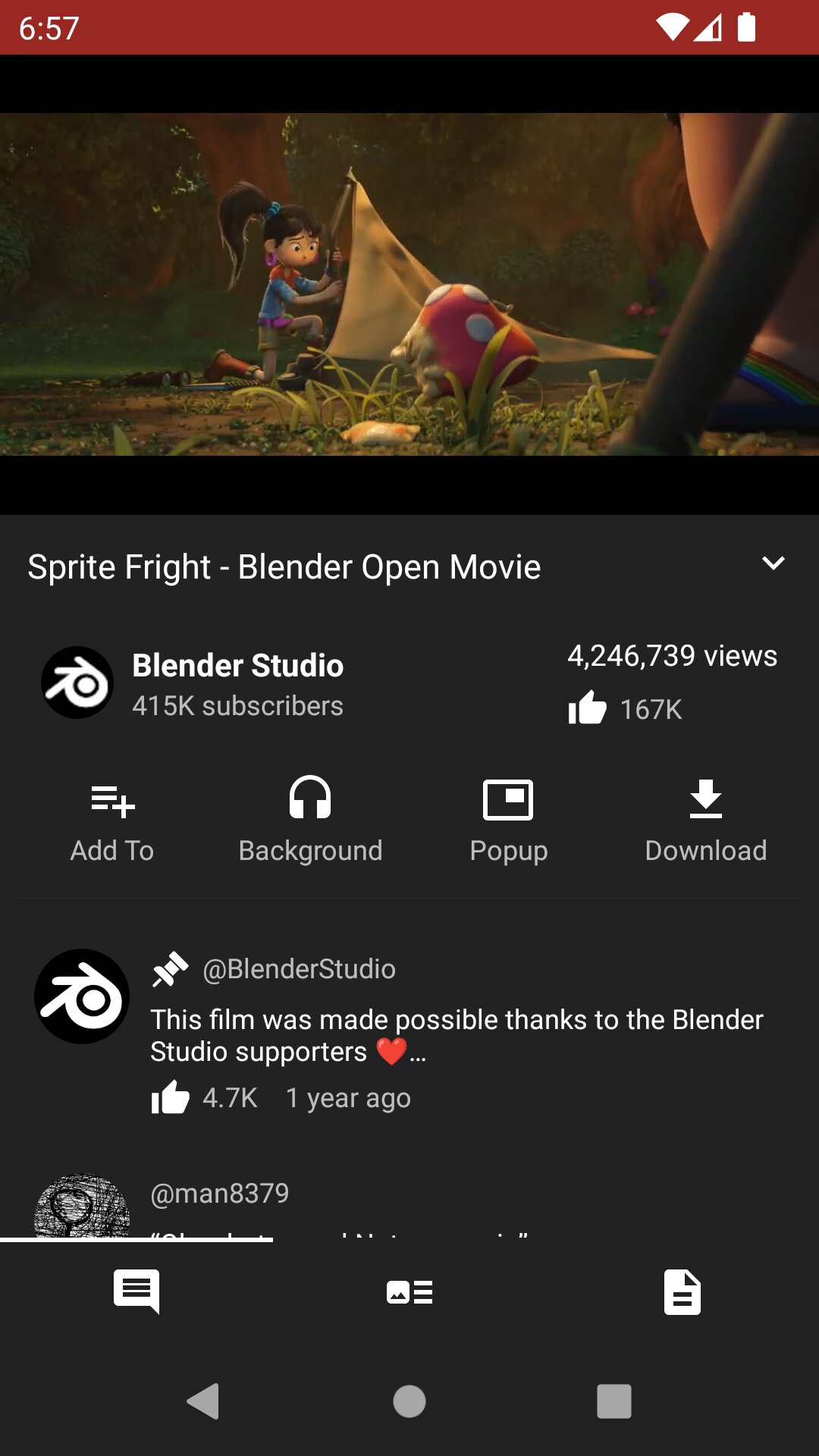
NewPipe is a third-party client for YouTube and other apps. Use it if you're on Android. It blocks ads and allows for the downloading of content directly to your device. Note that it does not have a recommendation algorithm. It is free and open-source. Only available on Android.
Audio Streaming
To be upfront, not using an ad-filled corporation backed streaming service for music is difficult. Music is such a fragmented industry that's all over the place; there isn't one platform you need to listen to music on. For bigger, subscription-style services try Deezer or Qobuz. Both have limits on free accounts and neither are open-source, but they're available on most platforms and from any browser.
Whenever a good alternative comes up, it normally shuts down for one reason or another soon after. I recommend Metrolist, a third-party client for YouTube Music (Android only). For downloading, I recommend yt-dlp and SpotiFLAC (desktop only). I also recommend SQUID.WTF as a good resource (from any browser). I don't recommend Spotify ReVanced, as they are constantly coming up with new updates that break the app to the point where you would need to repatch it every other day. All are free and open-source.
For podcasts, I recommend AntennaPod. It's free and open-source, but it's on Android only.
Similar to Invidious, Nitter is a third-party client for Twitter/X. You can you Twiiit to redirect you to currently operational instances.
You can use an extension like Redirector to automatically redirect Twitter/X links to Nitter.
Free and open-source.
Available on most mobile and PC platforms.
A simple redirect for this extension would look like:
Example URL: https://x.com/jack/status/20
Include pattern: https://x.com/*
Redirect to: https://twiiit.com/$1
Pattern type: Wildcard
yt-dlp
You can download video or music via yt-dlp using the link to the thing you want to download on various platforms, including YouTube and SoundCloud. It is a command line tool, but there are fan made UIs made for it. I recommend Parabolic. Free and open-source. Available on most PC platforms.
If using it for music, you can then use Mp3tag to tag those music files with information about the tracks, like artists and albums. Make sure the files are in mp3 before tagging. You can use the Tag Sources tab to automatically do it for you. Free available on Mac and Windows. You can use Ben Dodson's iTunes Artwork Finder to find high quality album art. For the music player, I recommend Metro. Free and open-source. Available on Android.
ReVanced
ReVanced allows for you to essentially mod the apps of various platforms like YouTube, Instagram, Spotify, TikTok, or even Duolingo. On top of blocking ads, the mods often give you premium features or useful settings, like SponsorBlock and the ability to download videos to your device on YouTube or limiting your feed to followed profiles on Instagram.
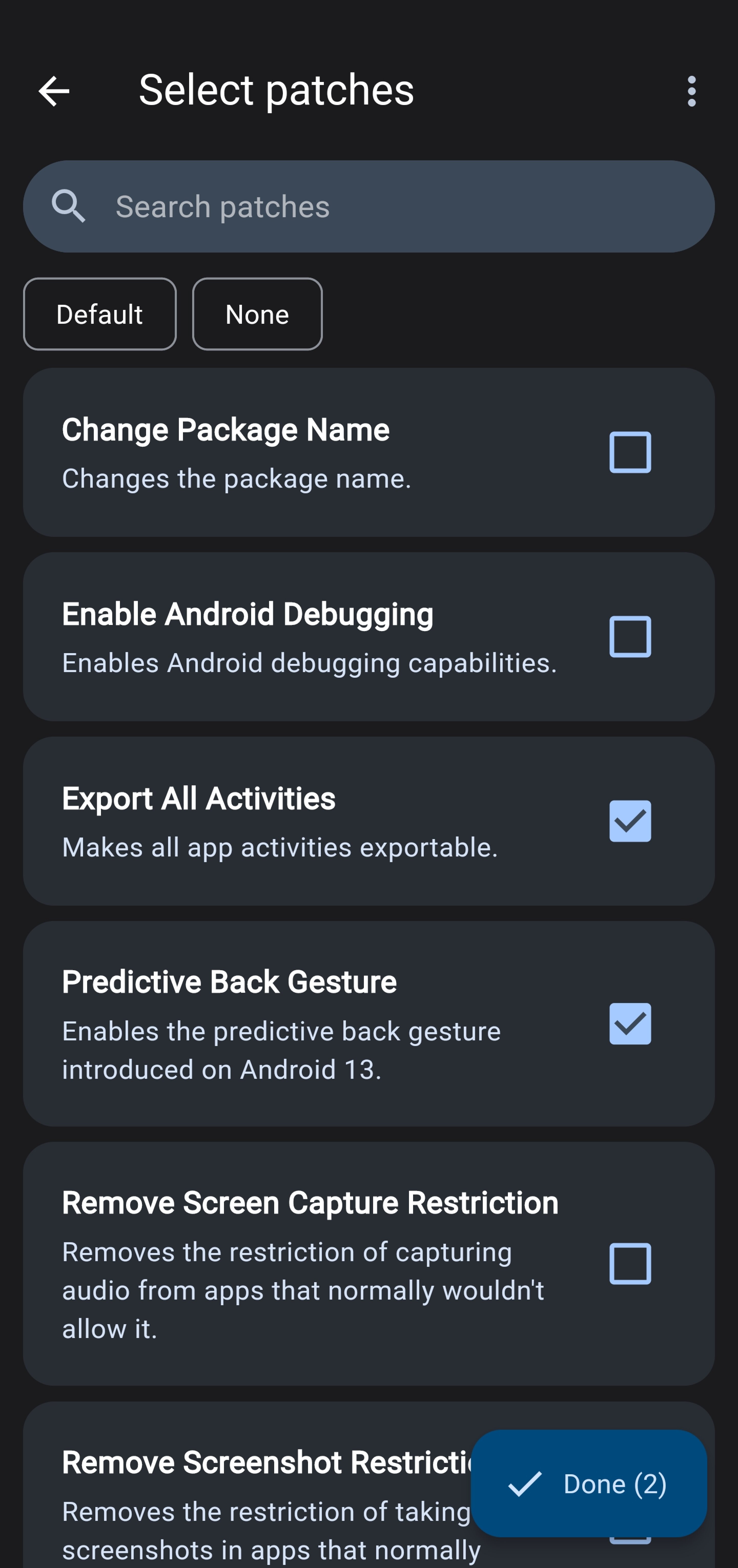
It can also be helpful in helping yourself to not use social media as much. In order to still be connected while not spending as much time on the platform, the patches I recommend for Instagram are "Hide explore feed", "Limit feed to followed profiles", "Hide navigation buttons" > "Hide Reels", and "Disable Reels scrolling". Enabling these will mean you can still see things your friends send you or that your favorite creators post, but you won't be able to doomscroll.
You need to use apks (app files) from the internet to modify them. ReVanced allows you to automatically get one from APKMirror. If it doesn't work, you can manually download one from online. If the app you download is in the apkm format, to use it you may need to split it using AntiSplit M. Sometimes the apps may break when the platforms release new updates. If that happens, just re-patch it. It is free and open-source. It is sadly only available on Android.